Wholesale ordering for coffee roasters
A café signs in and sends its coffee request. Your roastery reviews it and follows the confirmed order through roasting, packing and dispatch.
Follow a café order through the roastery.
The café chooses its coffees
The café chooses from its saved coffees and enters the number of bags. Café owners see estimated prices per kilo when configured. Baristas can send requests with prices hidden.
Review and confirm the order
Your team reviews the request and sends an estimate. The café owner places the order from that estimate, then your team confirms it for production.
Roast, pack and dispatch
The roast queue shows the coffee, roast level, bag size and quantity. Packing marks each line packed and sealed. The team arranges shipping and records dispatch and delivery on the same order.
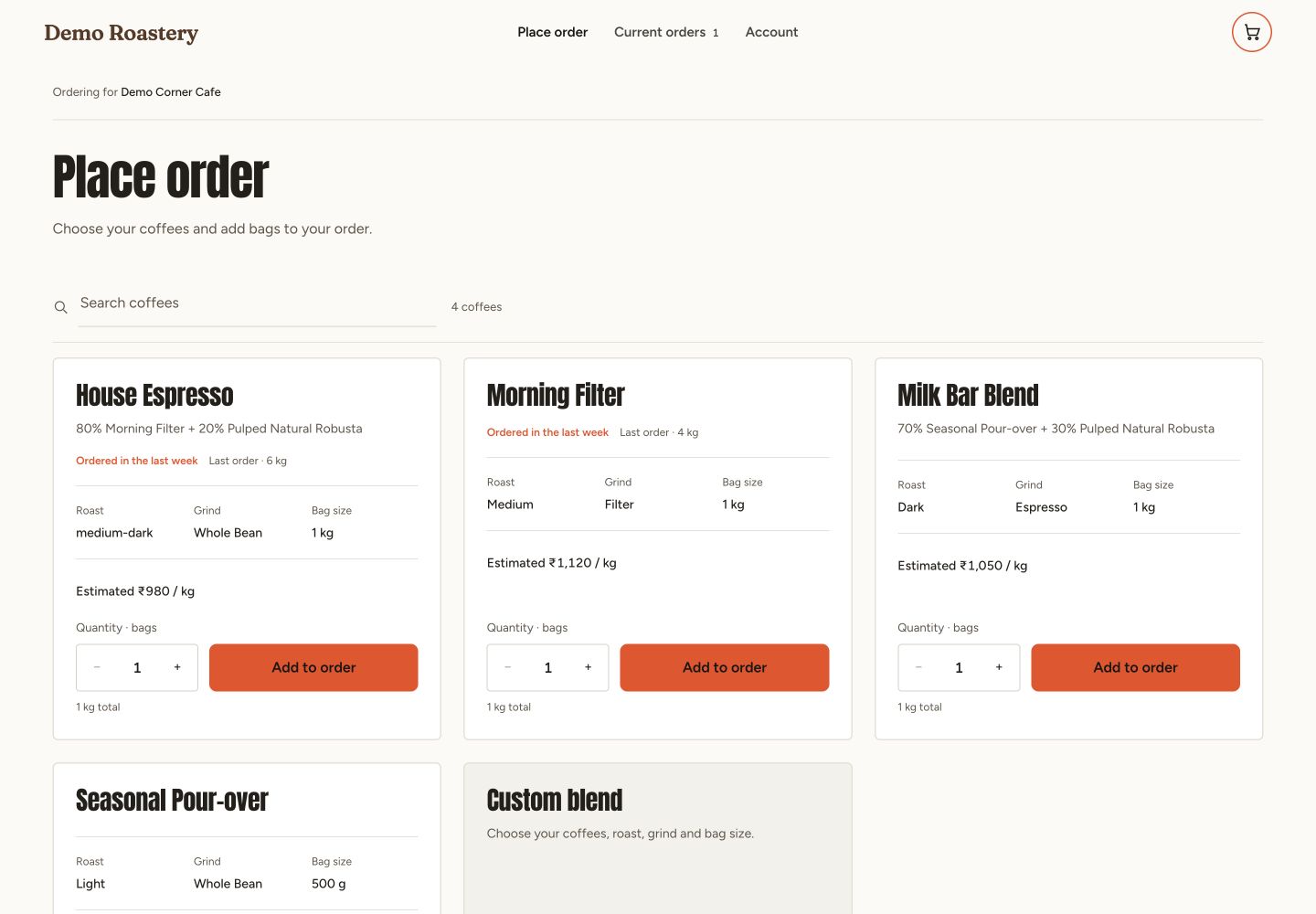
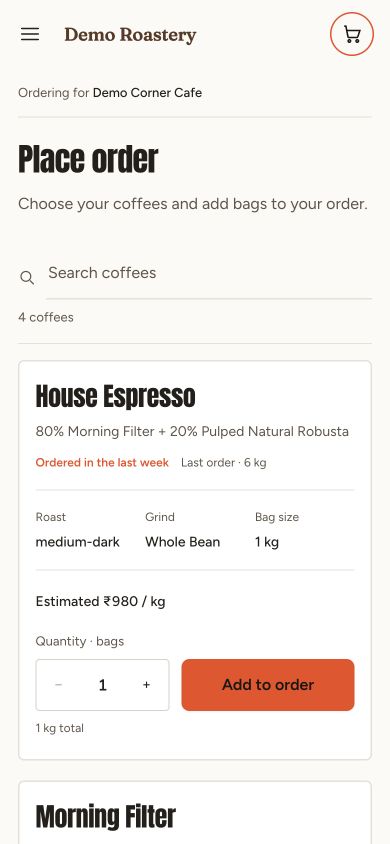
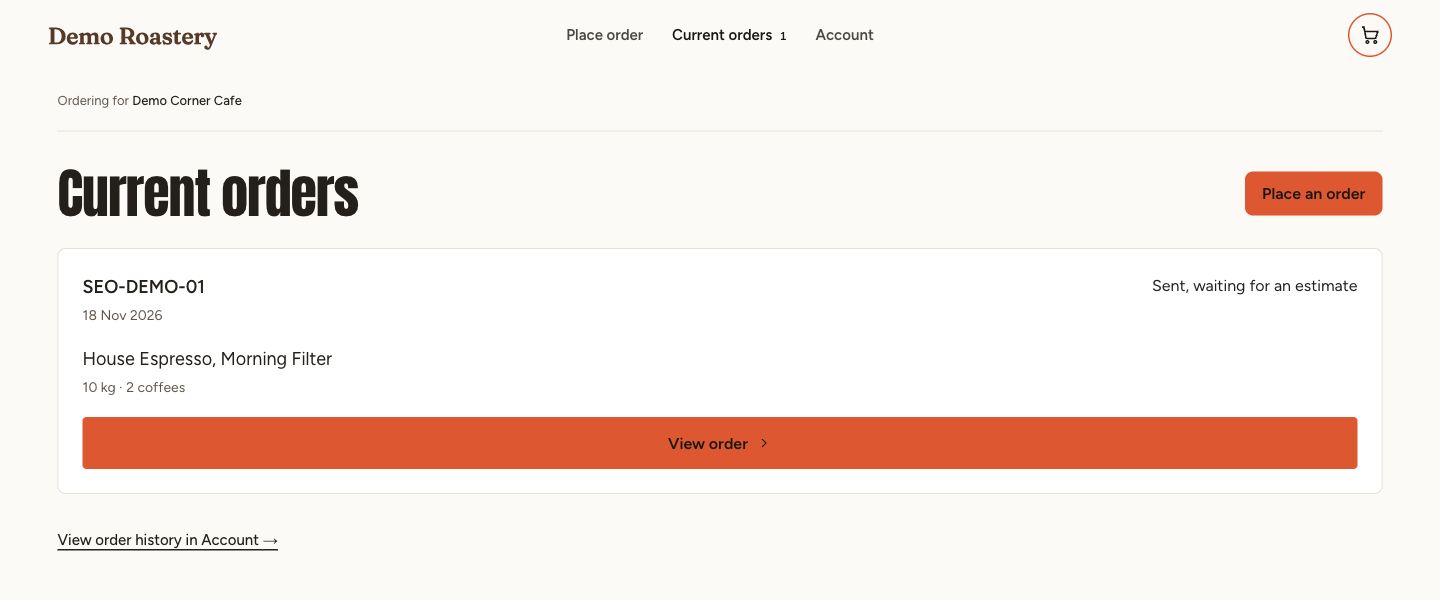
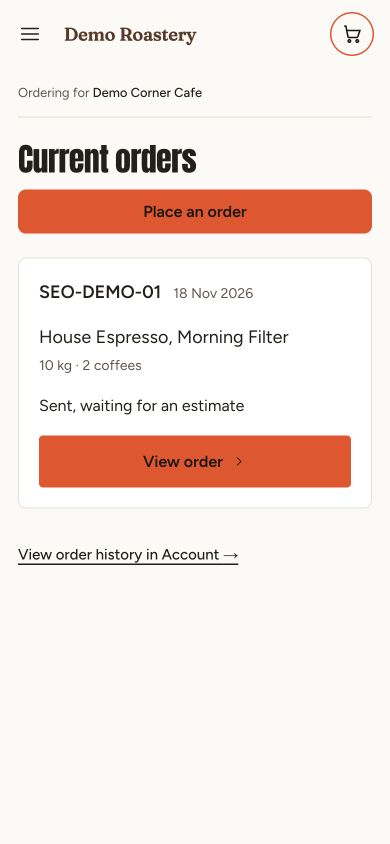
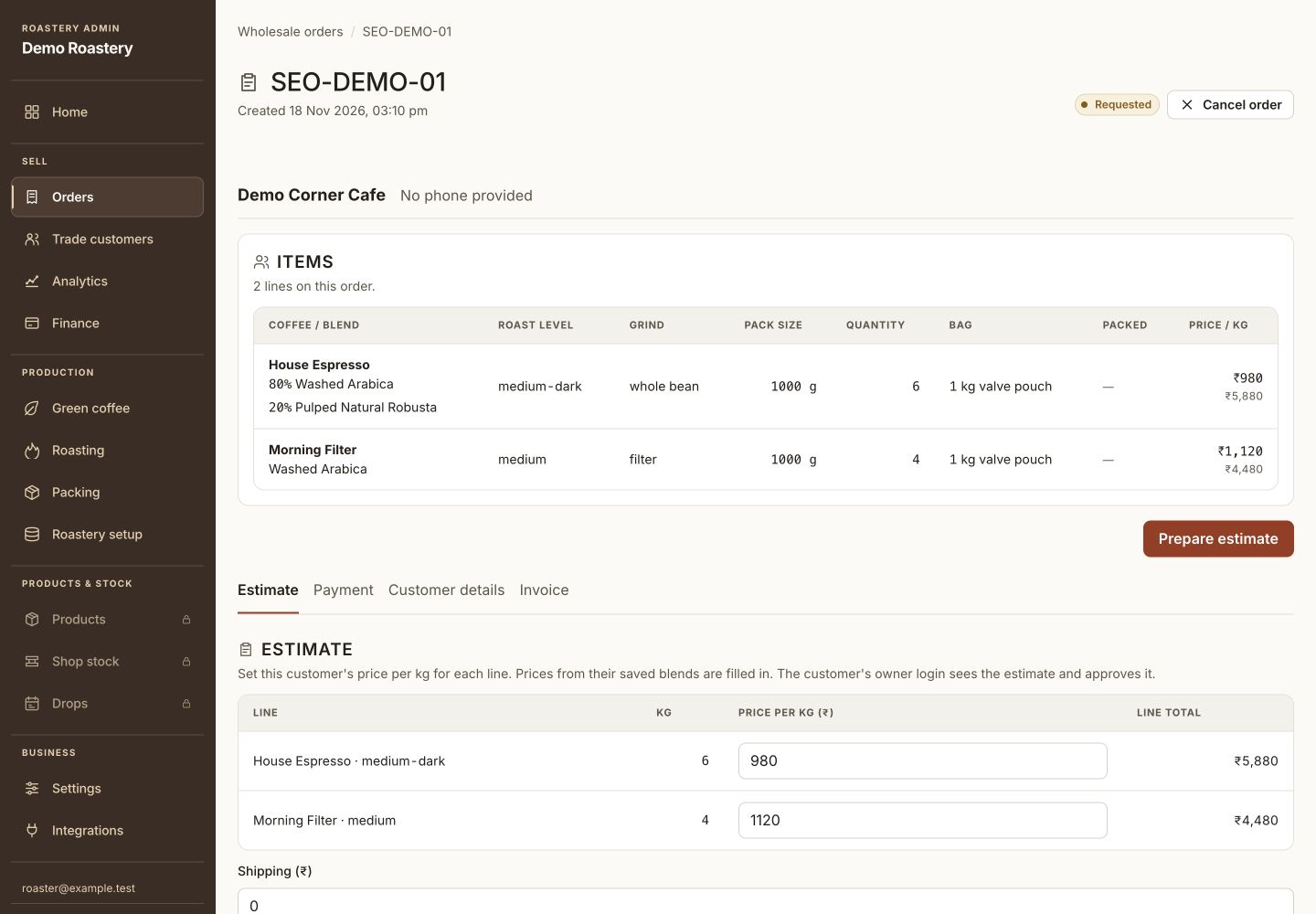
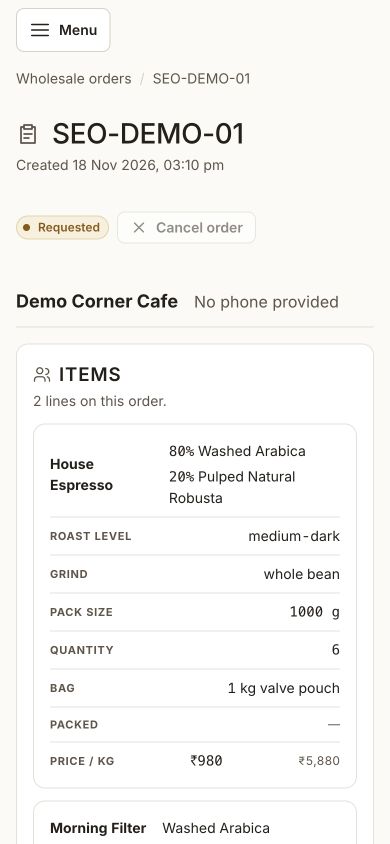
Demo Corner Cafe requests 6 kg of House Espresso and 4 kg of Morning Filter. The café sees SEO-DEMO-01 waiting for an estimate, and the roastery sees the same request ready to quote.
Check the fit for your roastery.
Shopify orders sync into a separate view. Create a production order in Operations for the work your roastery needs to fulfil. Your team books the courier through its existing shipping process.
A question worth clearing up.
Can I use this alongside my online store?
Yes. You can use the Operations and Store modules together. If you sell on Shopify, use the Shopify connection to view supported shop records in Daily Brew.