Coffee order dispatch coordination
Know which orders can leave the roastery. Daily Brew Operations keeps packing readiness and dispatch status with the customer and the original order.
The work, step by step.
Check packing readiness
Review the order lines and any work still waiting before dispatch.
Arrange shipping
Book the courier or local delivery using your existing process outside Operations.
Update the shared order
Mark the order dispatched when it leaves, then track its delivered stage so sales and operations see the same status.
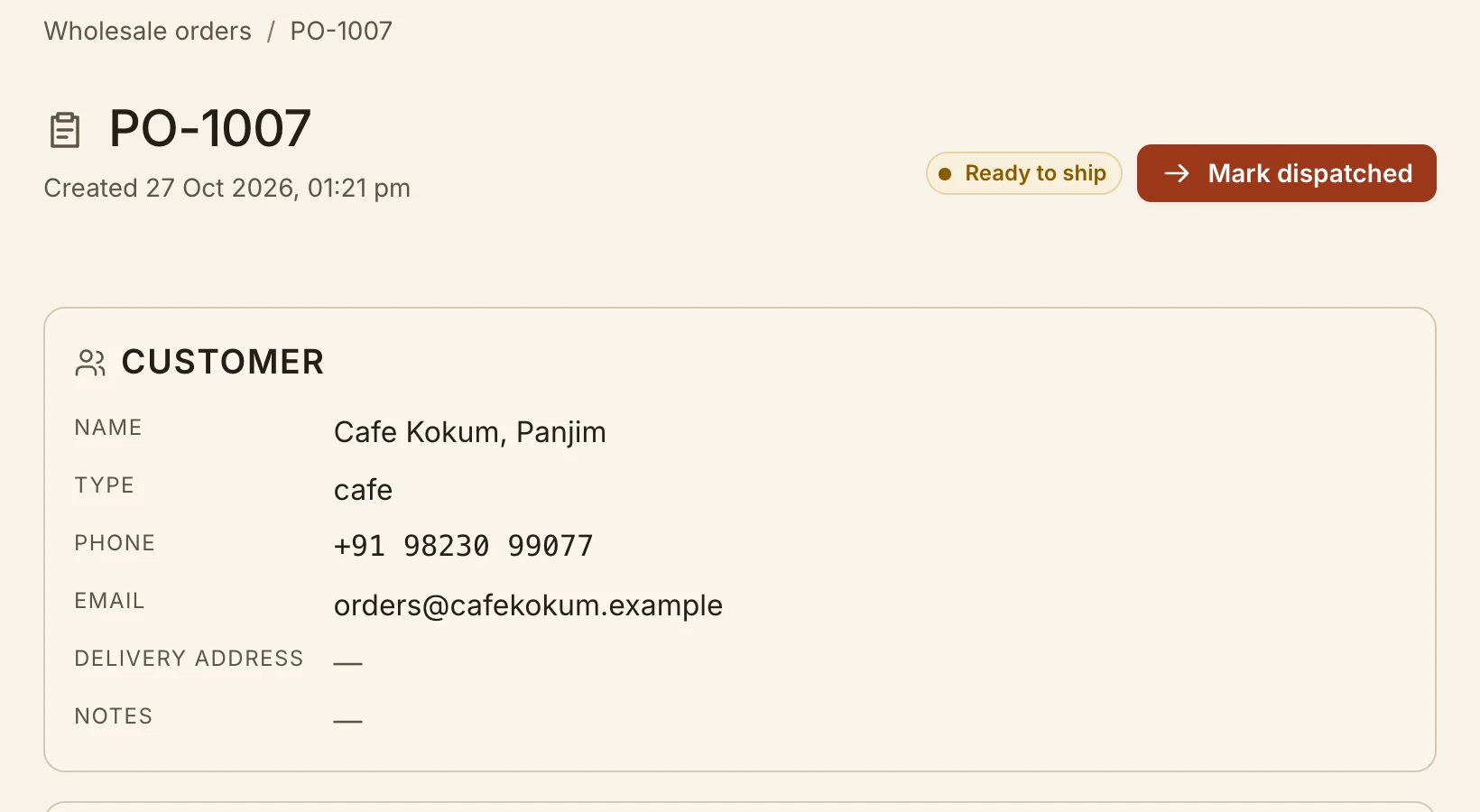
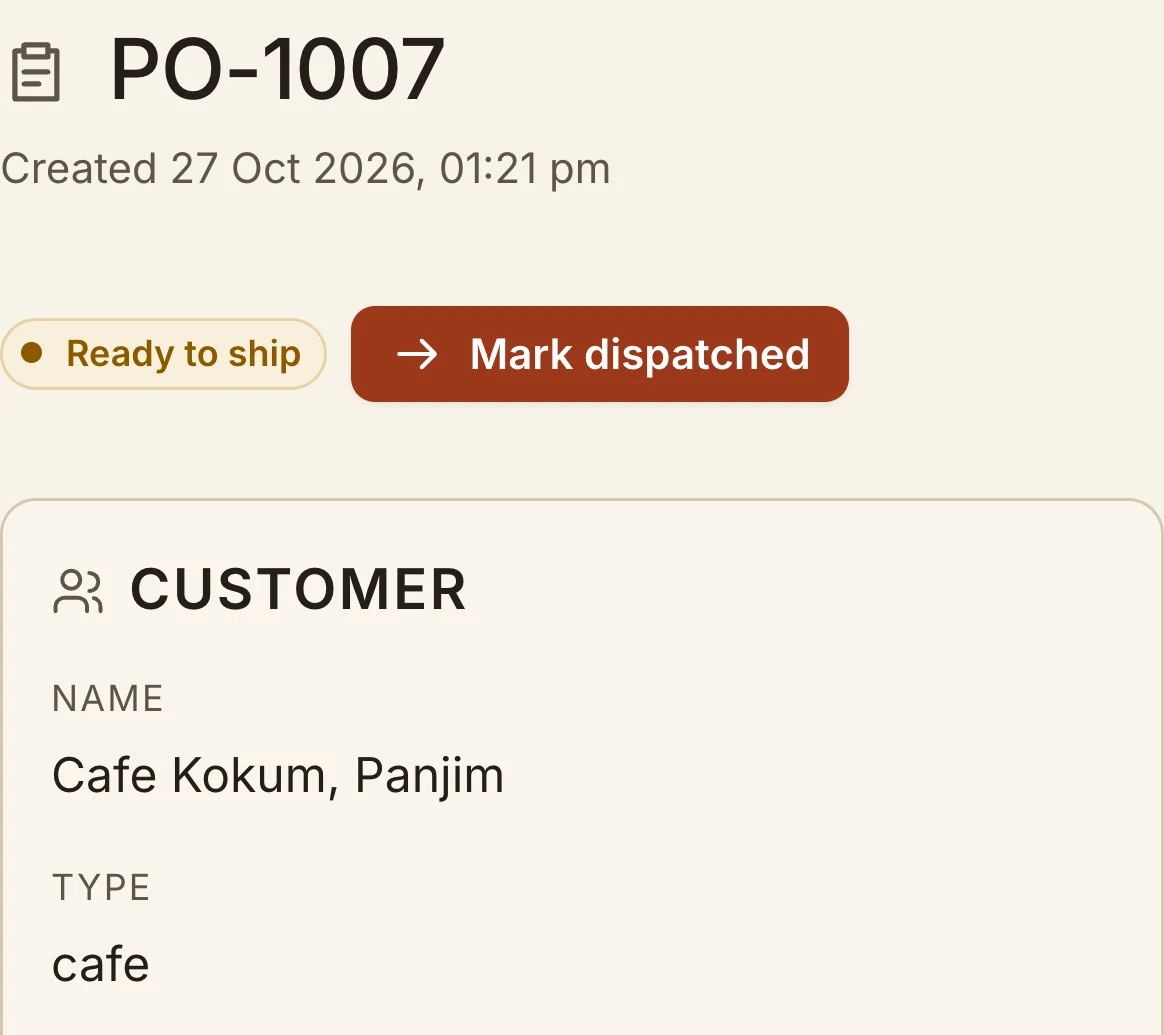
The demo order is ready to ship and has a Mark dispatched action. Its customer details stay attached to the same order.
Check the fit for your roastery.
For Operations orders, your team books the courier through its existing shipping process and updates the dispatch status in Daily Brew. The Store module supports a Shiprocket connection for shop orders.
A question worth clearing up.
Can the team see readiness without booking a courier here?
Yes. Dispatch coordination follows the order's work stages while shipping arrangements remain with your existing courier process.