Green coffee inventory management
See how much green coffee is left in each sack, where it is stored, and which batches used it.
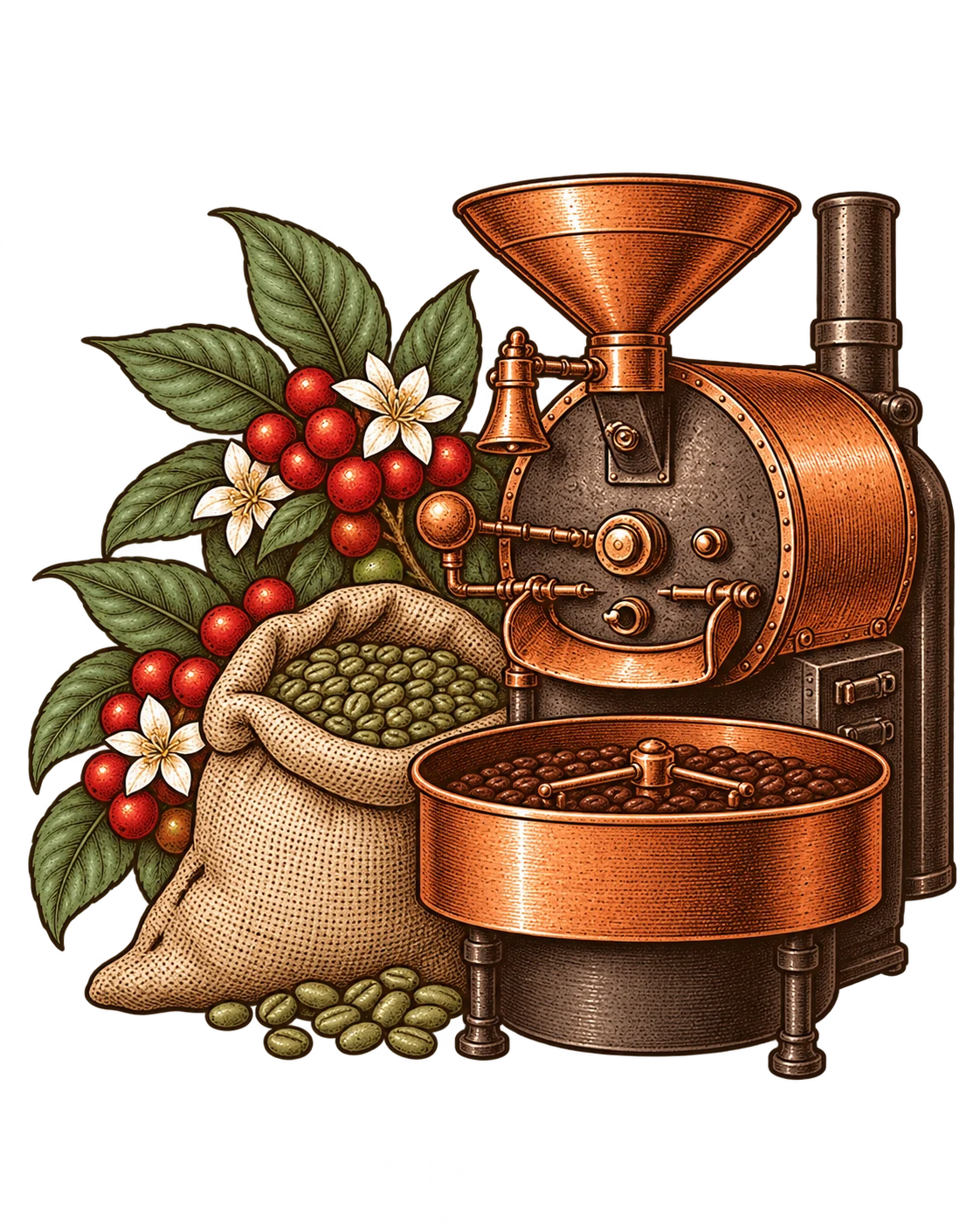
Follow a sack from receipt to roast.
Receive against a purchase order
Open the green purchase order and enter what arrived. Save the actual weight of each sack along with its location and rack. The expected purchase weight stays on record.
Transfer the sack to the roastery
Record the weight sent from the warehouse. Confirm the arrival weight and condition at the roastery. The sack keeps its ID and shipment history.
Withdraw green coffee for a roast
Choose the source sack when logging a batch. The green input comes off the sack balance, and the batch record links back to the sack.
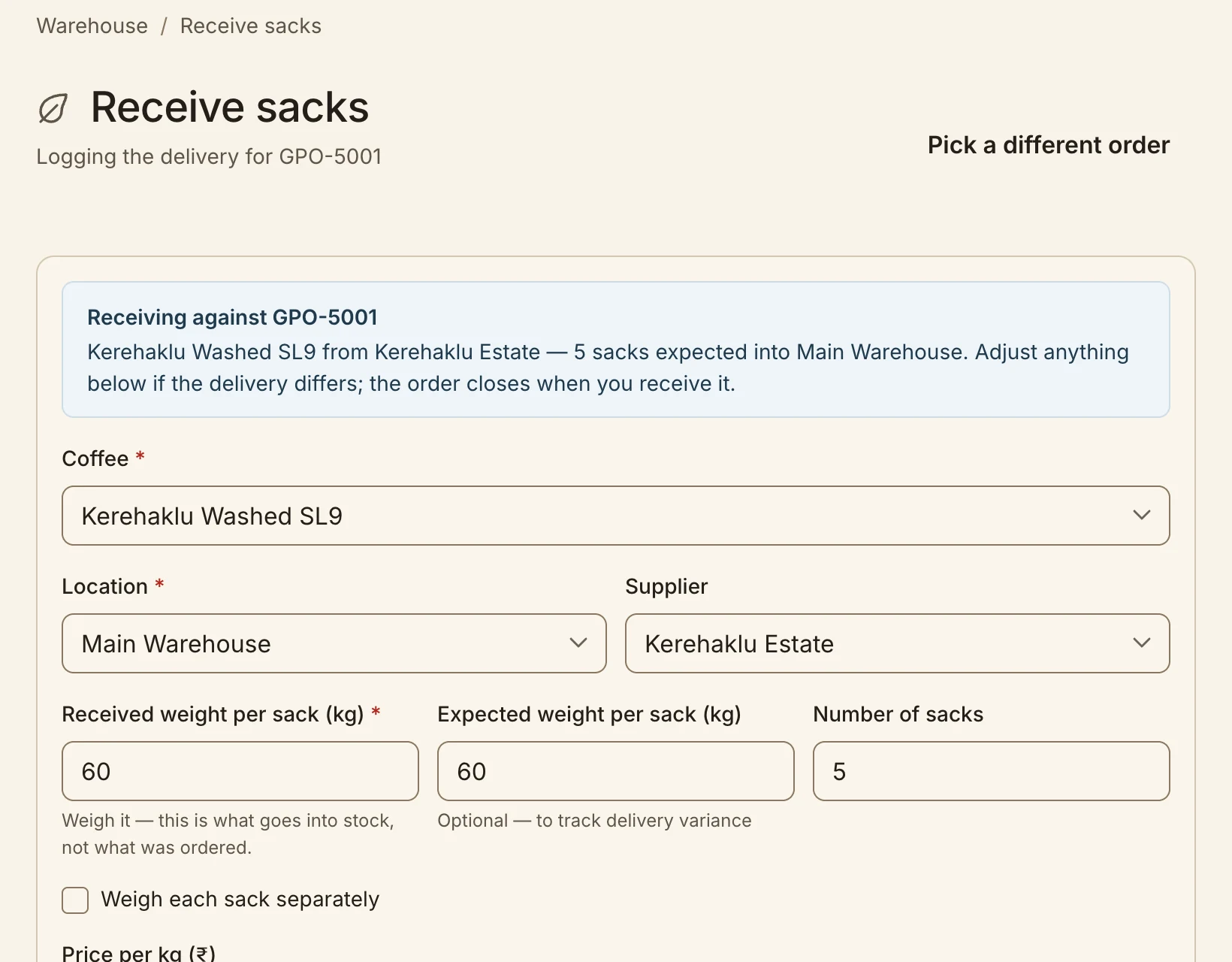
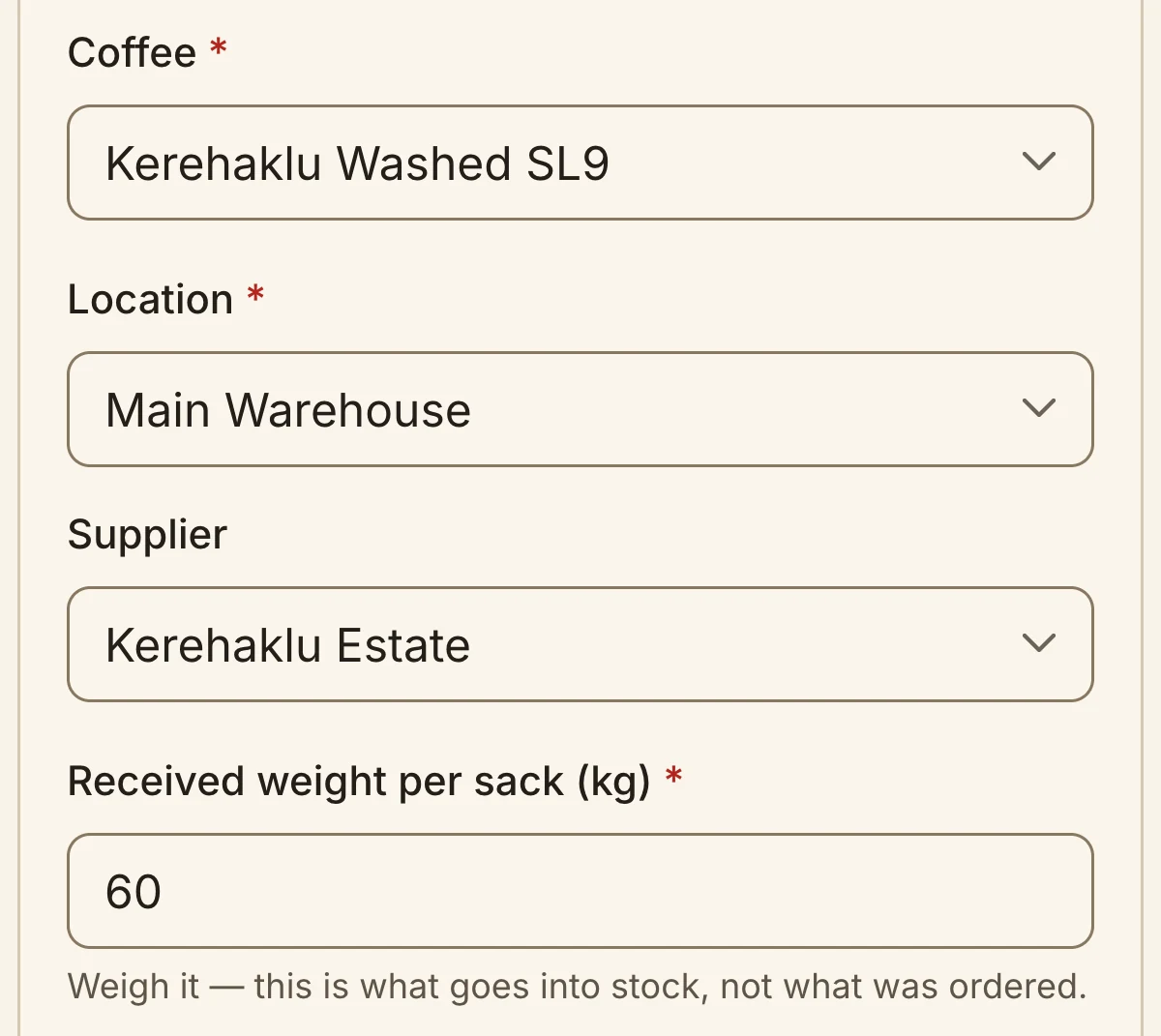
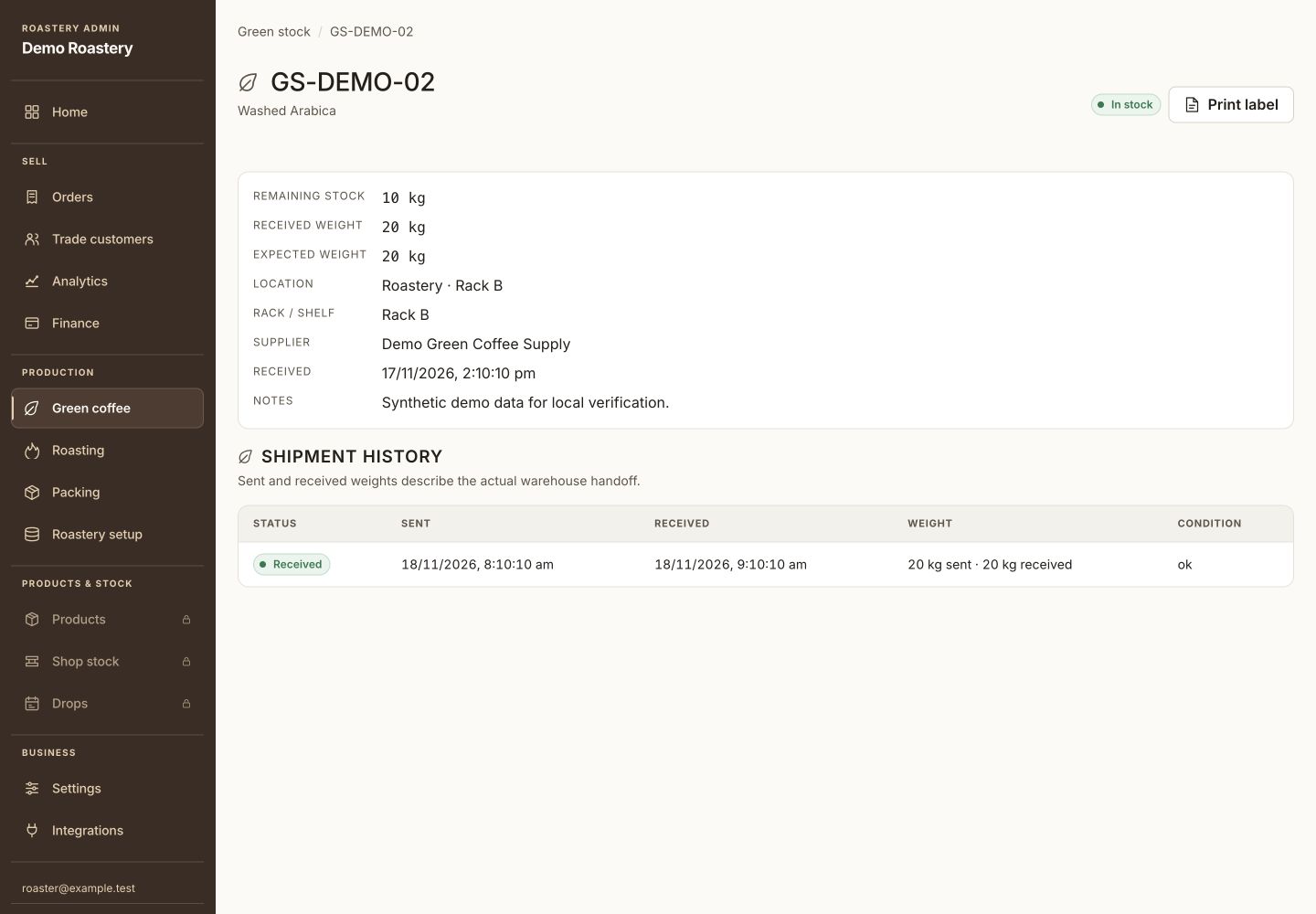
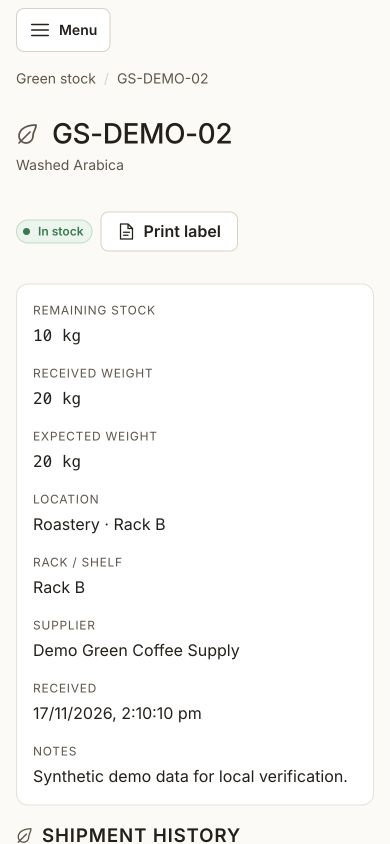
The receiving form is filled in for GPO-5001. In a separate demo, sack GS-DEMO-02 arrived at the roastery at 20 kg and has 10 kg left after a roast.
Check the fit for your roastery.
Synced Cropster lots are available for reference. Operations stock starts when your team records the physical sacks it receives.
A question worth clearing up.
Which weight should the stock record use?
Start with the measured receipt weight. When a transferred sack arrives at the roastery, use the weight measured there as its available stock.