Coffee roast batch tracking and yield
Give each roast a useful operational record. Log the green coffee used and the roasted output so the next production decision starts with measured weights.
The work, step by step.
Choose the received coffee
Start from the green stock used by the batch.
Record both weights
Keep green input and roasted output in the same unit. Record the measured output rather than assuming a fixed loss.
Review the result
Yield is roasted output divided by green input. Weight loss is the difference divided by green input. Use the result when planning future production.
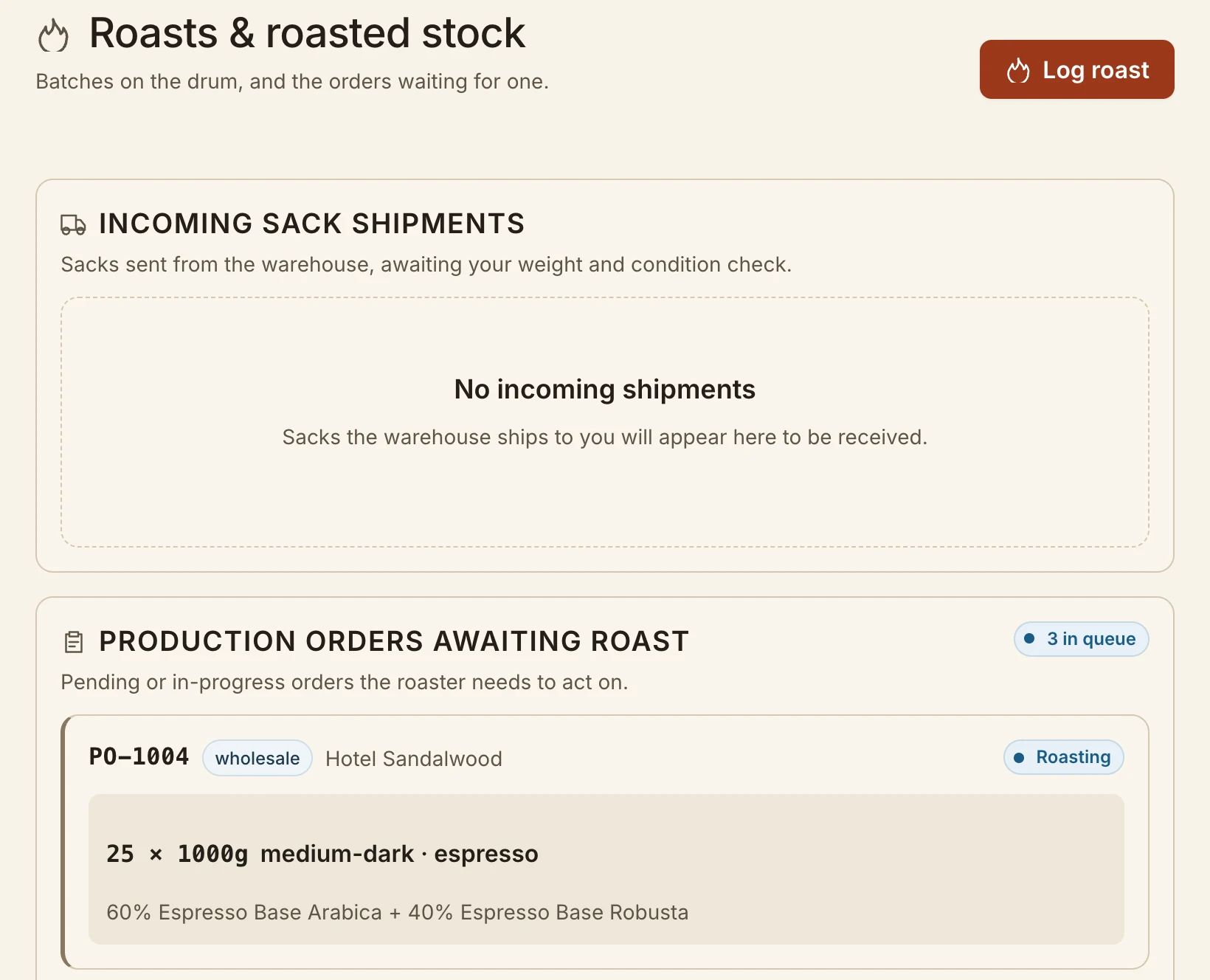
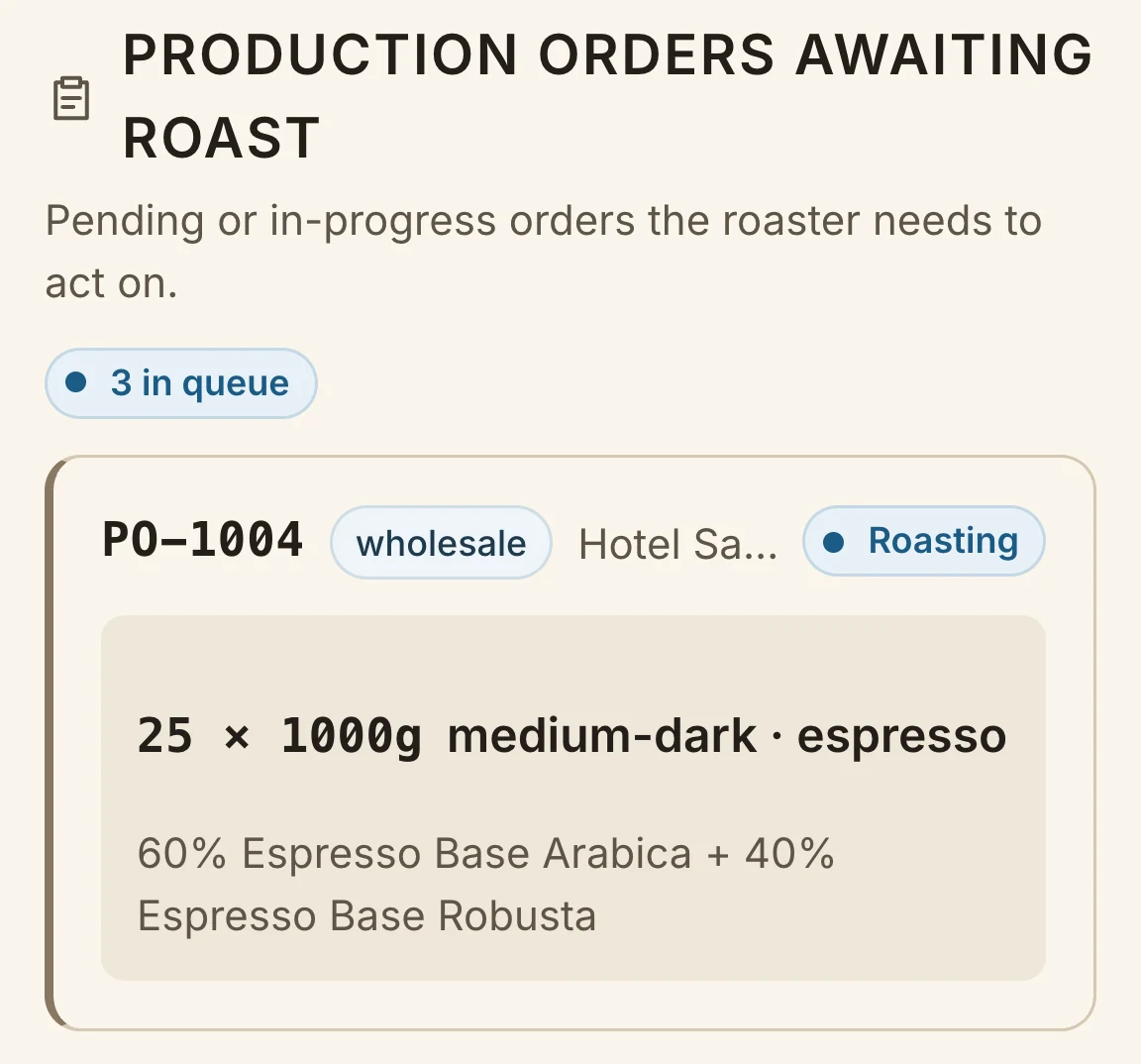
The roast queue carries the production requirement. The batch workflow records green input and roasted output; the linked guide explains the calculation independently of the software.
Check the fit for your roastery.
Batch records are operational logs. They do not capture roast curves or control a roasting machine. Synced Cropster data is available for reference, with profiling remaining in Cropster.
A question worth clearing up.
How do I calculate roast weight loss?
For 10 kg green input and 8.5 kg roasted output, yield is 85% and weight loss is 15%. These are illustrative values, not a promised result.